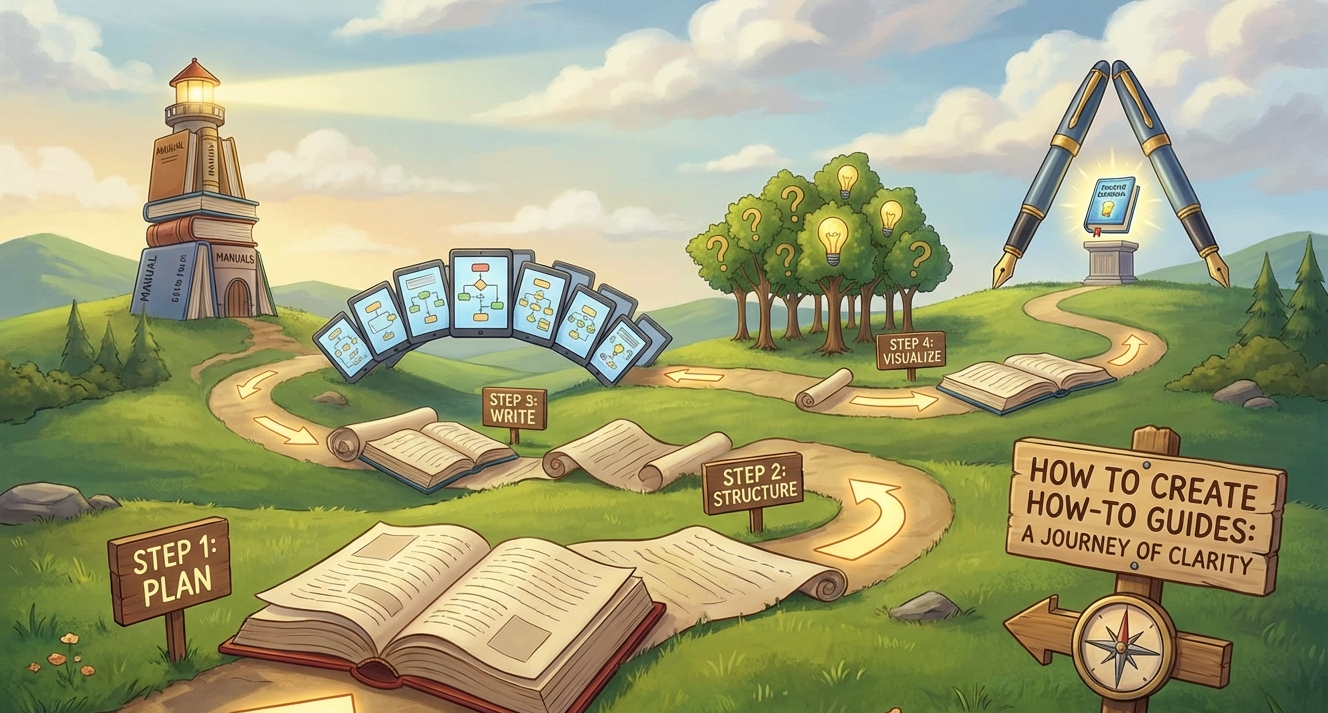
We’ve all been there. You buy a piece of furniture, open the manual, and within five minutes, you’re staring at a “simple” diagram that looks like a blueprint for a rocket ship. You feel frustrated, stuck, and ready to give up. A great “how-to” guide is the antidote to that feeling. It takes a complex task—whether it’s baking a sourdough loaf or coding a website—and breaks it down into small, digestible victories. If you want to share your expertise, build authority, or help your customers succeed, learning how to write a killer guide is a superpower. In this post, we’ll walk through the exact process of creating guides that are clear, engaging, and genuinely helpful.
1. Know Your Audience Before You Type a Word
The biggest mistake writers make is assuming their readers know what they know. Before you start drafting, ask yourself: Who is this for?
- The Absolute Beginner: They need definitions for technical terms and a “start from zero” approach.
- The Intermediate Learner: They want to skip the basics and get to the “pro tips.”
- The Problem Solver: They are usually in a rush and need the answer right now.
Tailor your language to their level. If you’re writing for a beginner, avoid jargon. If you must use a technical term, explain it immediately.
2. Choose a Specific, Solvable Problem
Broad topics usually make for bad guides. “How to Garden” is an entire book. “How to Grow Tomatoes in Small Pots” is a perfect blog post. Specific guides are better for SEO because they match what people actually type into Google. They also provide more value because you can go into the “nitty-gritty” details that make a difference.
3. Create a “Catchy” but Clear Title
Your title is your first (and sometimes only) chance to grab a reader’s attention. It should promise a specific result.
- Good: How to Paint a Room.
- Better: How to Paint a Room in One Weekend Without Making a Mess.
- Best: The Beginner’s Guide to Painting Your Living Room: A Step-by-Step Walkthrough.
Include keywords naturally, but prioritize making the title sound human and inviting.
4. The Ingredients List: What Do They Need?
Before the instructions start, give your reader a “shopping list.” There’s nothing more annoying than getting to Step 5 of a recipe and realizing you don’t have a specific tool.
Create a section called “What You’ll Need” or “Prerequisites.” Use bullet points to list:
- Physical tools (hammers, bowls, laptops).
- Software or apps.
- Time commitment (e.g., “Total time: 45 minutes”).
- Difficulty level.
5. Break It Down into Logical Steps
This is the meat of your guide. The key here is sequential order. If you skip a step because it seems “obvious,” you’ll lose your reader.
Use H3 Headings for Each Major Phase
If your guide has 15 steps, don’t just list them 1 through 15. Group them into phases using H3 headings:
- Phase 1: Preparation
- Phase 2: The Core Process
- Phase 3: Finishing Touches
Keep Sentences Short and Action-Oriented
Start your steps with verbs.
- Instead of: “The next thing you should do is try to click the blue button.”
- Try: “Click the blue button in the top-right corner.”
6. Use Visuals to Show, Not Just Tell
A wall of text is intimidating. Whenever possible, include:
- Screenshots: Great for tech tutorials (highlight the area you’re talking about with a red circle).
- Photos: Show the “before” and “after” or the midway point of a physical project.
- Videos or GIFs: Sometimes a 5-second loop of a specific movement is better than three paragraphs of text.
7. Anticipate Mistakes (The “Troubleshooting” Section)
A great teacher knows where their students will likely trip up. As you write your guide, think about common errors.
You can weave these into the steps: “Note: If the light doesn’t turn green here, check your battery connection.” Or, you can add a dedicated Troubleshooting section at the end for more complex issues.
8. Format for Scannability
Most people don’t read every word of a guide; they scan it. Make your post “scannable” by using:
- Bold text for key terms or buttons.
- Numbered lists for steps.
- Bullet points for lists of items.
- Short paragraphs (no more than 3–4 sentences).
- Call-out boxes for “Pro Tips” or “Warnings.”
9. Add a “What’s Next?” Section
Once the reader finishes the task, don’t just leave them hanging. Give them a sense of completion and a path forward.
- How should they maintain what they just built?
- What’s the next advanced skill they should learn?
- Invite them to share their results in the comments.
Conclusion
Creating a “how-to” guide is about empathy. It’s about putting yourself in the shoes of someone who doesn’t have your knowledge and leading them safely to the finish line. If you keep your steps clear, your tone encouraging, and your formatting clean, you won’t just be writing an article—you’ll be solving a problem for someone. And in the world of content, there is nothing more valuable than that. Now, it’s your turn! Pick a topic you’re an expert in and start drafting your first guide today.
Frequently Asked Questions
1. How long should a how-to guide be?
There is no “perfect” length, but it should be as long as it needs to be to solve the problem—and not a word longer. Most comprehensive guides fall between 1,000 and 2,000 words, but a simple “How to Reset Your Password” might only need 300.
2. Do I need to be an expert to write a guide?
You don’t need a PhD, but you do need “applied knowledge.” If you have successfully done the task yourself and can explain it clearly, you are qualified to write a guide for someone who hasn’t.
3. How do I make my guide rank on Google?
Focus on a specific long-tail keyword (like “how to fix a leaky faucet in a kitchen”) and ensure your headings (H2s and H3s) naturally include related terms. Most importantly, make sure your guide actually answers the user’s question better than the current top results.
4. Should I use “I” or “You” in the writing?
Use “You.” A guide is a conversation between you and the reader. Using “you” makes the instructions feel direct and personal, which keeps the reader engaged.
5. What if the process changes (like a software update)?
One of the best ways to keep a guide successful is to update it. Check your most popular guides once or twice a year to ensure the screenshots and steps are still accurate.